
1
Type or say a specific idea, such as “three lilies in a stained glass window.”
Say or type the scene you want, choose a visual style and level of detail, and turn the idea into original line art ready for coloring.
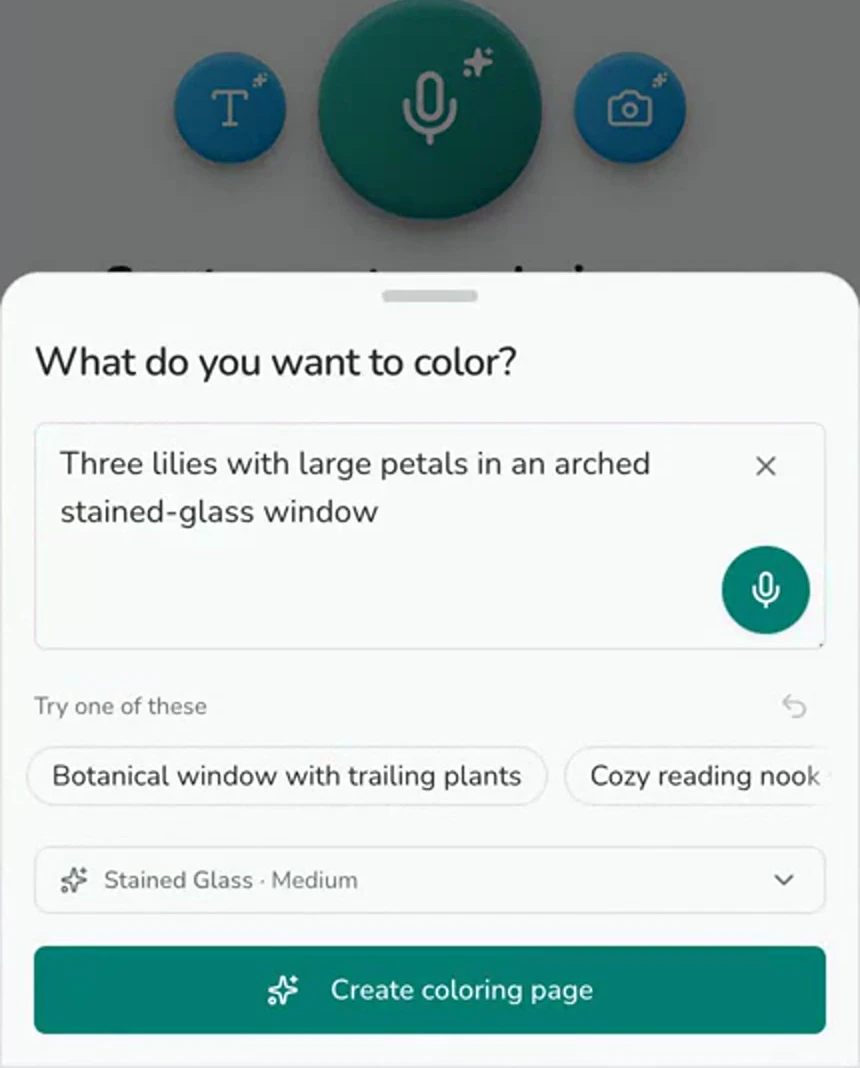
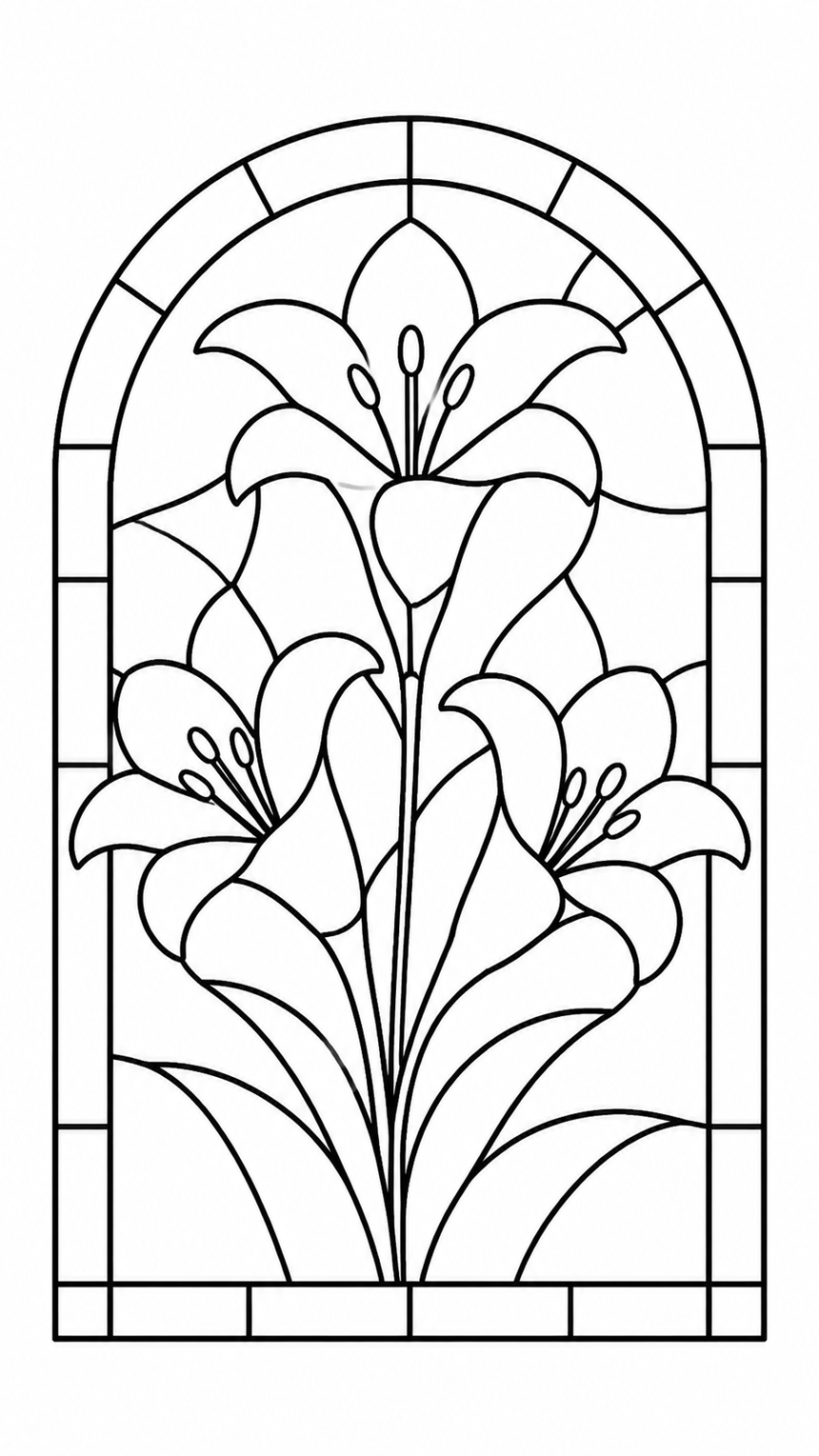
An AI coloring page generator creates black-and-white line art from your description. In AI Coloring Studio you can speak or type an idea, review the generated page, and keep working on it with the same drawing tools used for ready-made templates.
Type or say a specific idea, such as “three lilies in a stained glass window.”
Choose the style and complexity that fit the kind of page you want to color.
Generate the line art, then color, save, and export it from the built-in canvas.
Create a subject that is not already available in a fixed coloring-book collection.
Voice input makes it easy to capture an idea without writing a long prompt.
Generation and coloring live in one workflow, with no need to move files between separate tools.
Name the main subject, setting, and mood, then add a style or detail preference. A focused request such as “floral fox portrait, clean bold outlines” is easier to interpret than a long list of unrelated objects.
The generator aims for clear black-and-white line art. You can print straight from the canvas — to a wireless printer or as a PDF — and choose what to send: your colored drawing, or the blank outline to color in on paper.
The app can be installed from Google Play. Current AI availability and credit costs are shown inside the app before you create, so you can decide before running a generation.
Install the Android app, describe a scene, and continue from generated outline to finished coloring in one place.