
1
Choose a well-lit photo with a clear main subject from your device.
Choose a photo, let AI simplify it into clear black-and-white outlines, and continue coloring the result with brushes, fills, and palettes in one Android app.
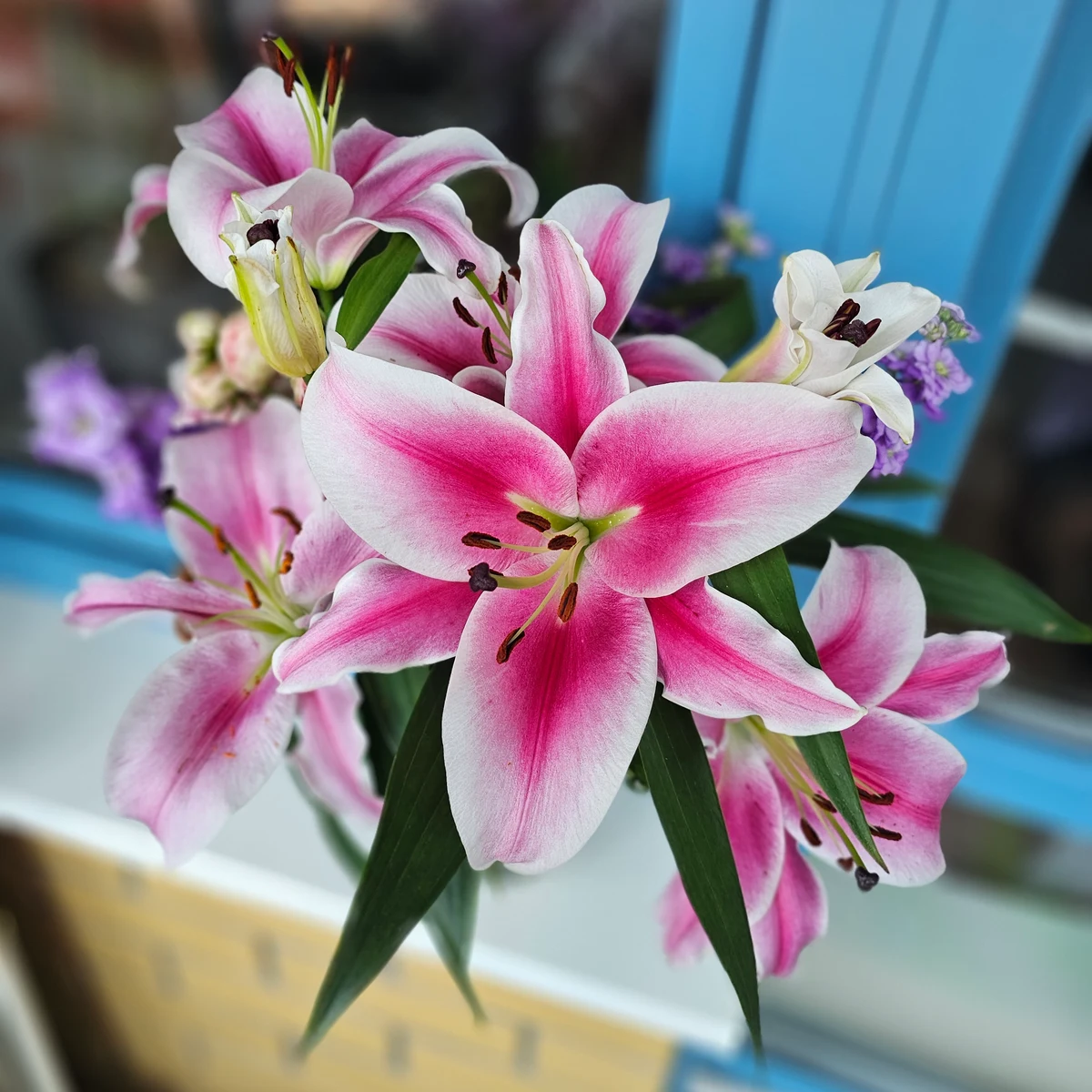
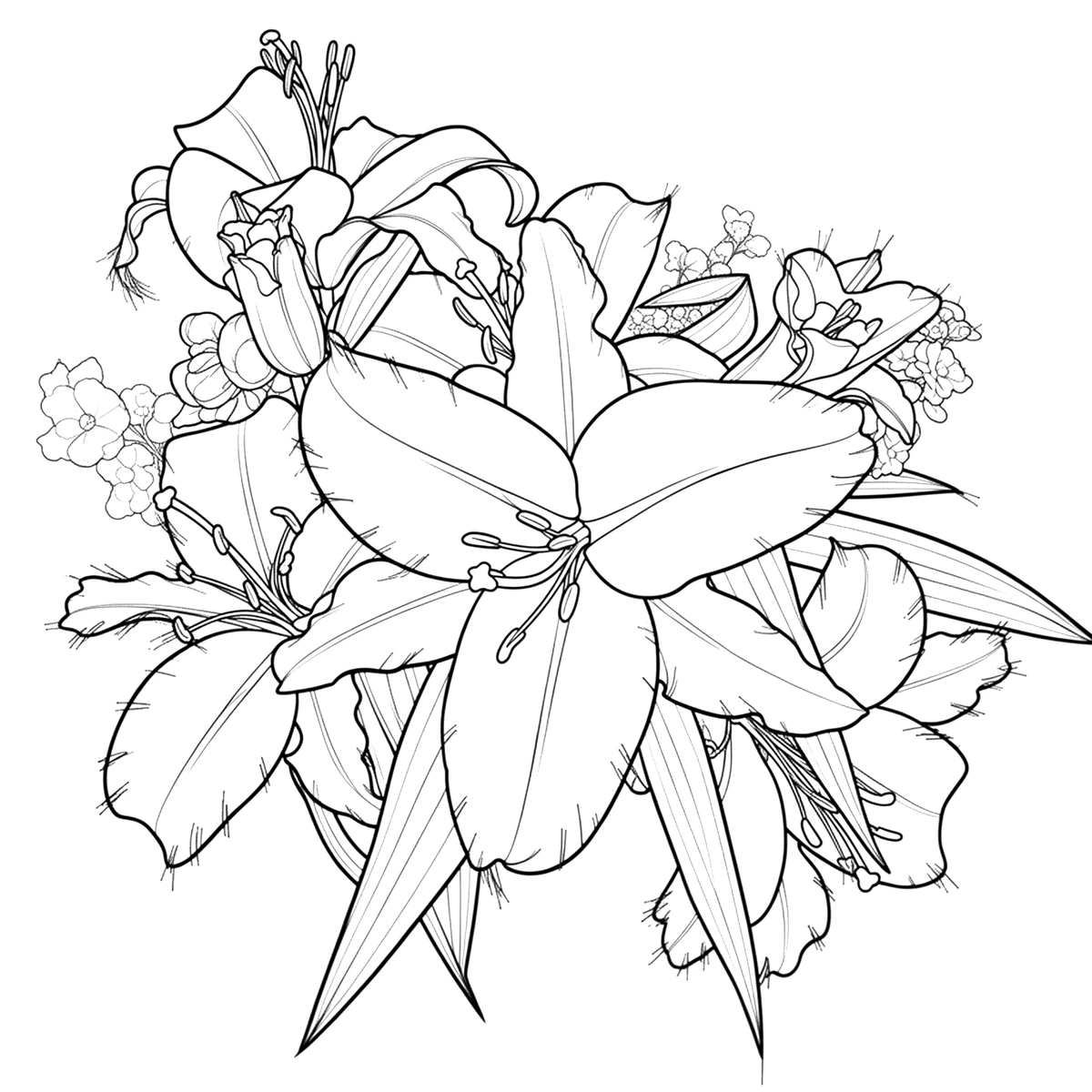
AI Coloring Studio converts a selected photo into line art designed for coloring. Photos with one clear subject, good light, and a simple background usually produce the cleanest result. You can refine, color, save, and export the generated page in the same app.
Choose a well-lit photo with a clear main subject from your device.
AI separates the important shapes and redraws them as clean coloring outlines.
Open the result on the canvas to color it, adjust it, save it locally, or export it for printing.
The conversion is tuned for colorable shapes instead of applying a simple grayscale photo filter.
The generated line art opens directly in the editor, so brushes, fills, palettes, and effects stay within reach.
Your source photo and the result can become a personal creative page rather than another generic template.
Use a sharp, well-lit image with one prominent person, pet, object, or flower. Busy backgrounds, heavy shadows, and tiny details can create more complex outlines.
Yes. The generated line art opens on the AI Coloring Studio canvas, where you can use fills, brushes, palettes, backgrounds, and decorative tools.
You can save or export the finished line art and print it using your device’s normal sharing and printing options. Only use photos you have permission to transform.
Install AI Coloring Studio on Android and turn a favorite photo into a page you can keep coloring.